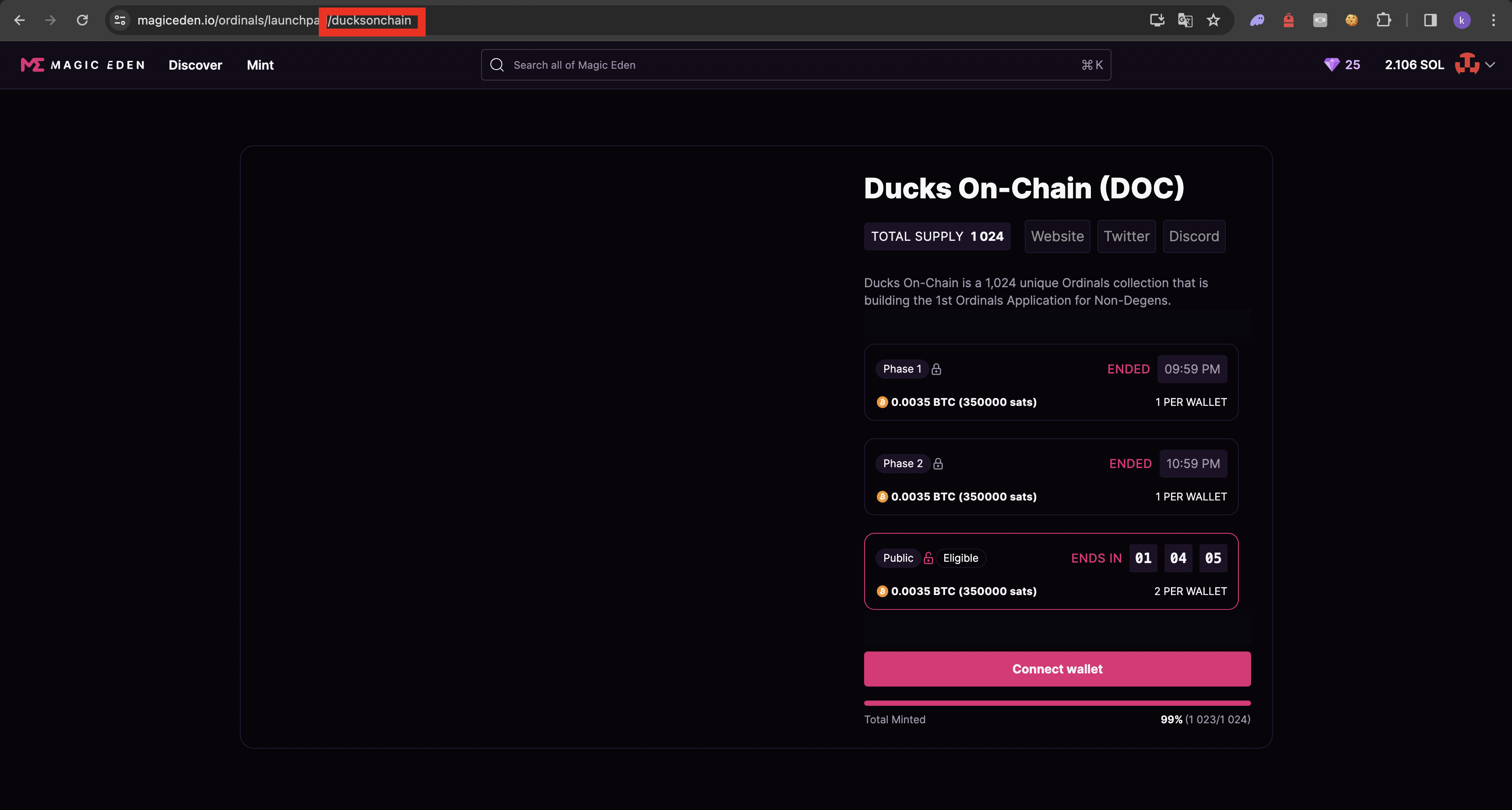
# Magic Eden launchpad
## Proxy list
choose your proxy list ( better to use isps and use 3+ isps per task )
## wallet list
choose your wallet
## Collection Symbol
Input release token
## Price Sats
Price of a mint in Satoshi\
## Sat rarity
IF you want to snipe specific rarity or rarities enter them devided by comma without spaces
## Inscription number(s)
If you want you can enter specific numbers to mint only them. Enter them devided by comma without spaces.
## NFT names
If you want you can mint specific nfts nmbers. Enter them devided by comma without spaces.
Example: #311,#5642
## Attributes
If you want to snipe specific attributes enter them devided by camma without spaces.
Example:City size:Medium,Sun:Blue
## Monitor Delay
how fast bot will send your TX( e.g. put 100 -> then bot will send 1 tx every 100 ms )
## Any Attributes
This Toggle only affects on "Attributes" Field.
If you keep disababled this toggles, Vision will only mint NFT with all attributes that you specified in this field.
If you enable this toggle, Vision will mint any NFT with one or more of all attributes that you specified.
## Skip dummy
If you know that your wallet has dummy transaction, you can enable this toggle and skip creation of dummy tx.
TIPS:
1. to import btc wallet you can input your seedphrase or WIF private key ftom unisat
2. make sure to use unisat because Xverse gives 1 seedphrase for any wallet that you have on it
3. run 3-5 or more tasks per wallet
4. use high delay and a lot of proxies , because ME ratelimits a lot